 Tripser
For iPhone, iPad and Apple Watch
Every trip, from the first idea to the last stamp.
Plan the days, find the fare, and keep every place, day and cost in one book. Download a trip before you fly, and its maps, travel advice and phrases come with you.
Free for up to three trips at a time.
Plan
The days, laid out
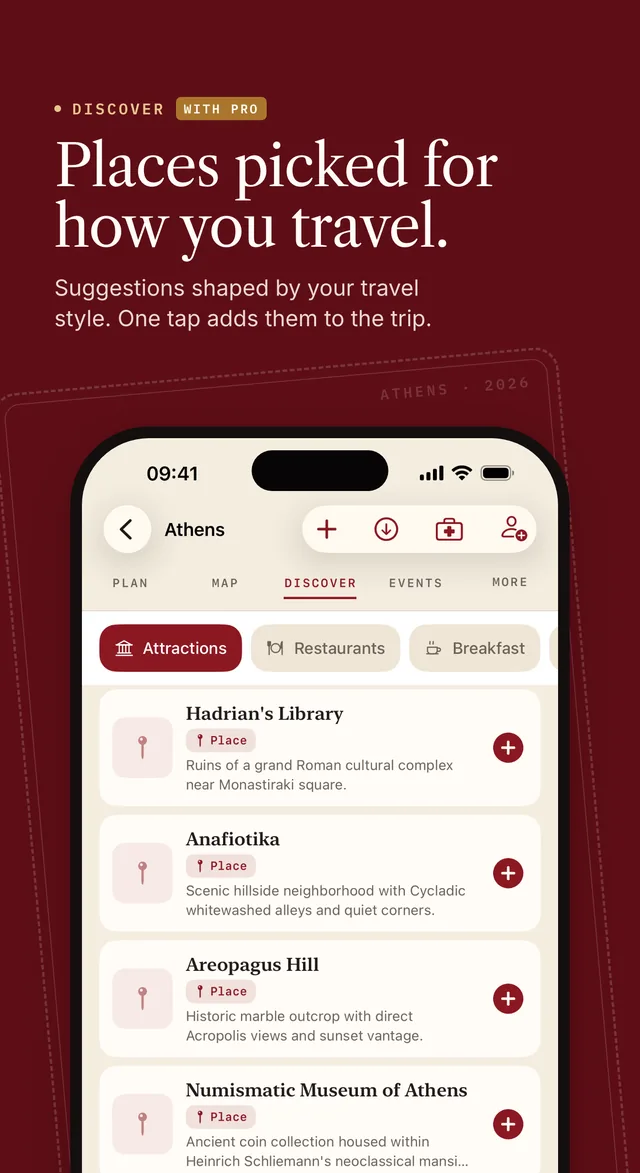
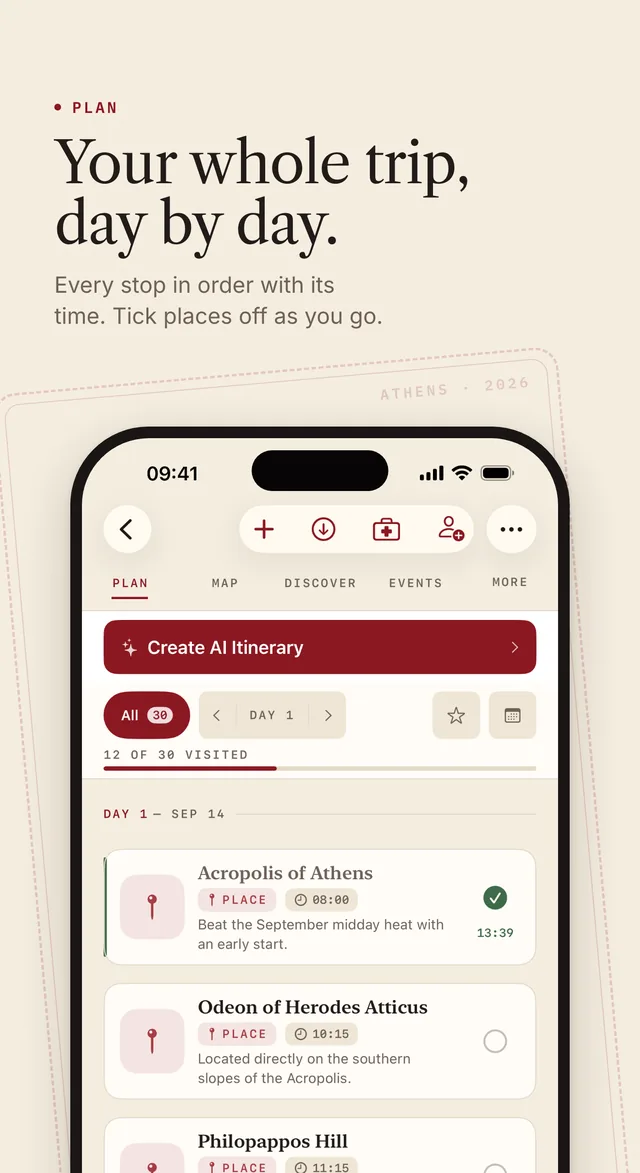
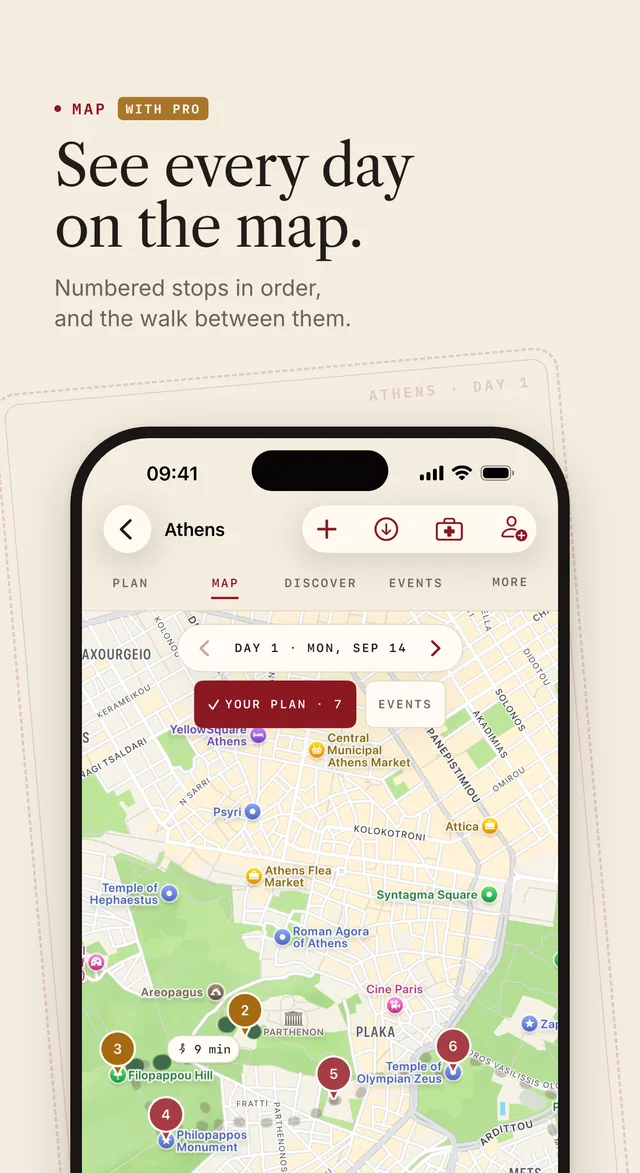
Add the places you want, give each one a day and a time, and tick them off as you go. Every day's stops sit on the map, and the next one waits on your Lock Screen.
- Day by day, with times and how long each stop takes
- Each day's forecast, right on the plan
- Today's next stop on the Lock Screen, without unlocking
Create AI Itinerary With Pro
It arranges the places you've added across your days, by where they are and how long each one takes. It doesn't invent a trip for you.
Discover and places With Pro
More than a pin
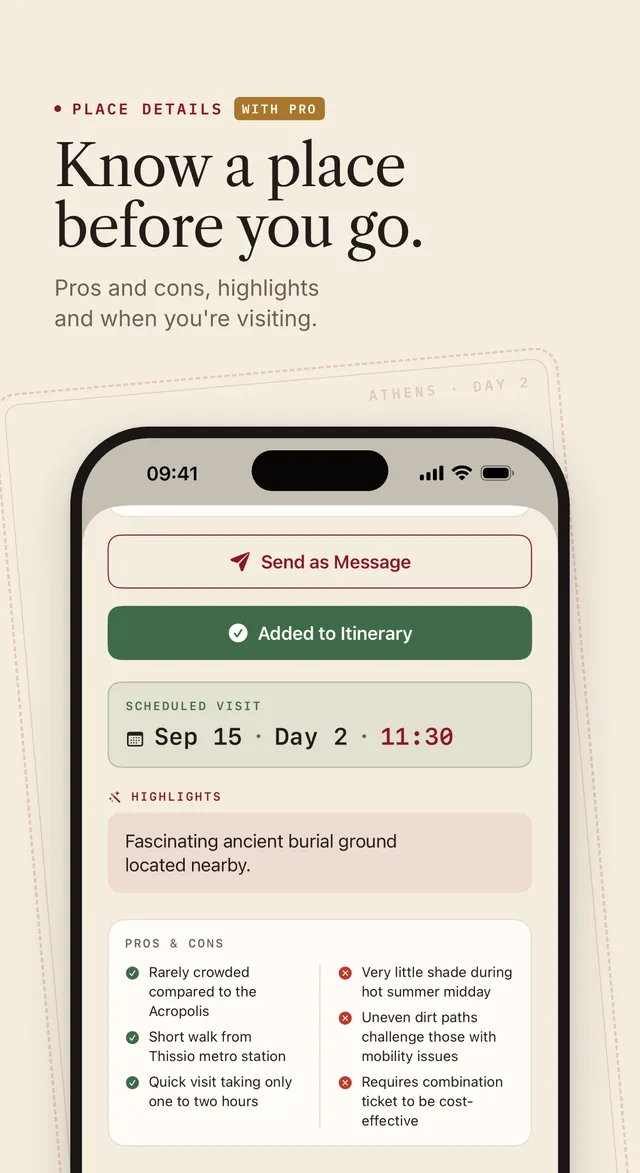
Open Discover inside a trip and Tripser suggests places in that city, shaped by how you travel. Every place carries its photos, its highlights, and its pros and cons.
- Six categories: attractions, restaurants, breakfast, shopping, parks and nightlife
- One tap adds a suggestion to your trip
- Pros and cons written for the place you're looking at
Flights and videos With Pro
Let Tripser do the tedious part
Flights
The cheapest way there
Real fares from airlines and booking sites for your dates. Filter them by stops, times, airlines or price without running another search, then add your flight by its number and it lands on the right day.
Tripser doesn't track flights in the air.
From a video
Saw it in a video? Keep it.
Paste a YouTube link and Tripser picks out the places the video shows, in the order they appear, for you to keep or drop. A receipt or a booking confirmation can start a trip too.
Instagram Reels and TikToks can't be opened by link: save the video, then pick it.
While you're there
The week you're actually in
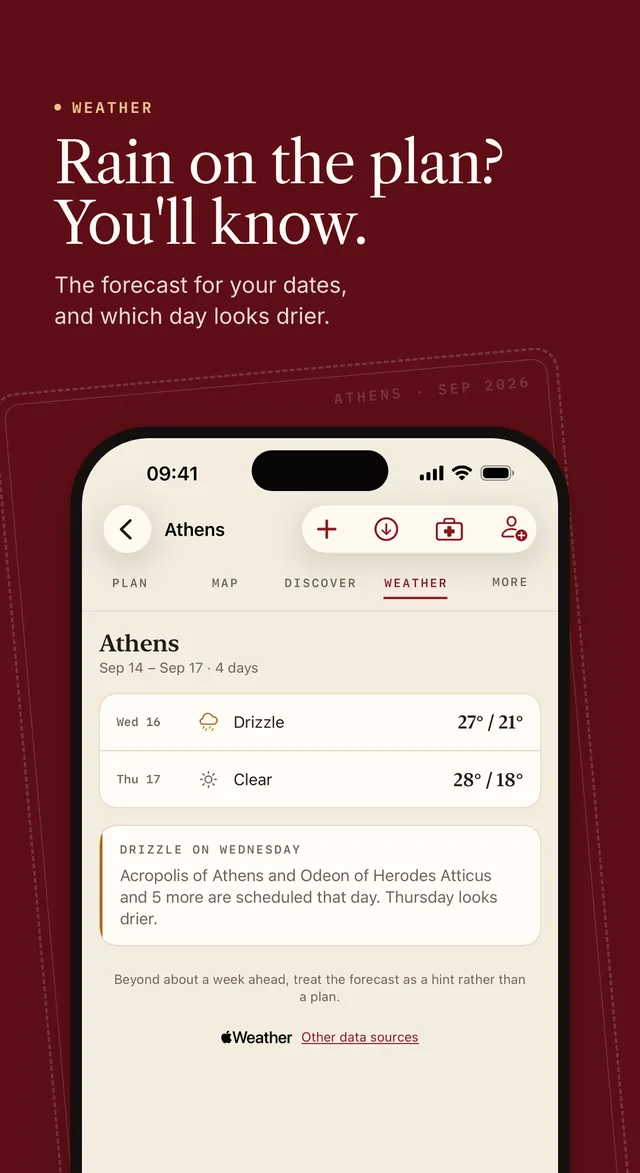
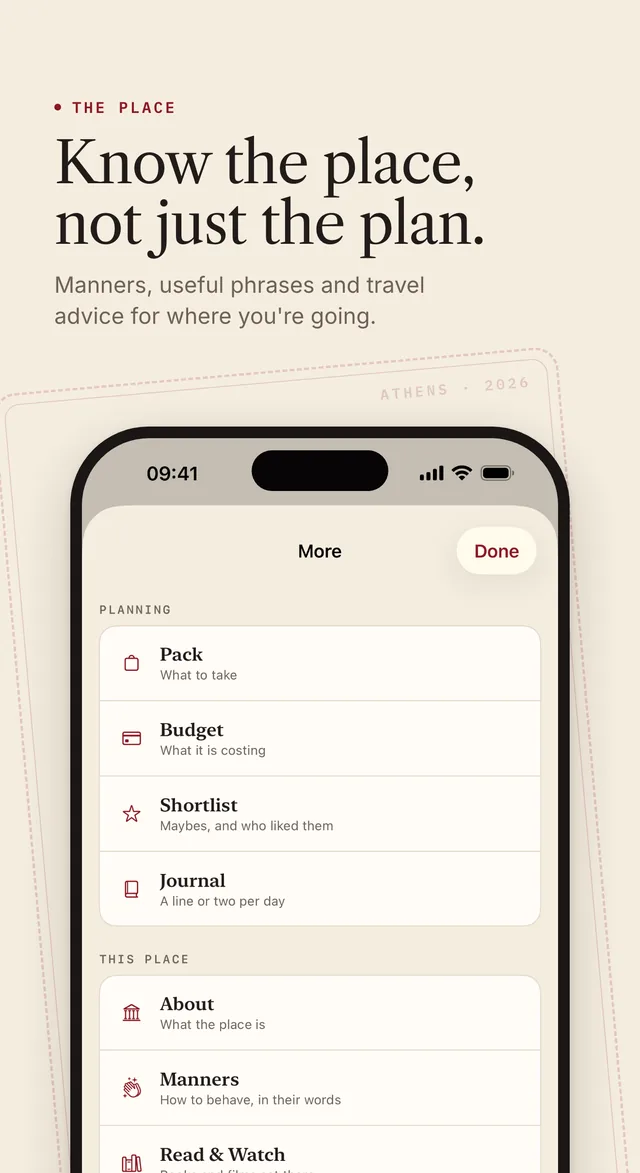
What's on, what the weather will do to your plans, and how things work where you're going.
- Concerts, comedy and festivals inside your dates, added to a day in one tap
- The forecast read against your plan, with a heads-up when a drier day would suit your outdoor stops
- Manners, useful phrases and travel advice for the country
Events and weather are free for every account.
Budget and packing
What it costs, and what to bring
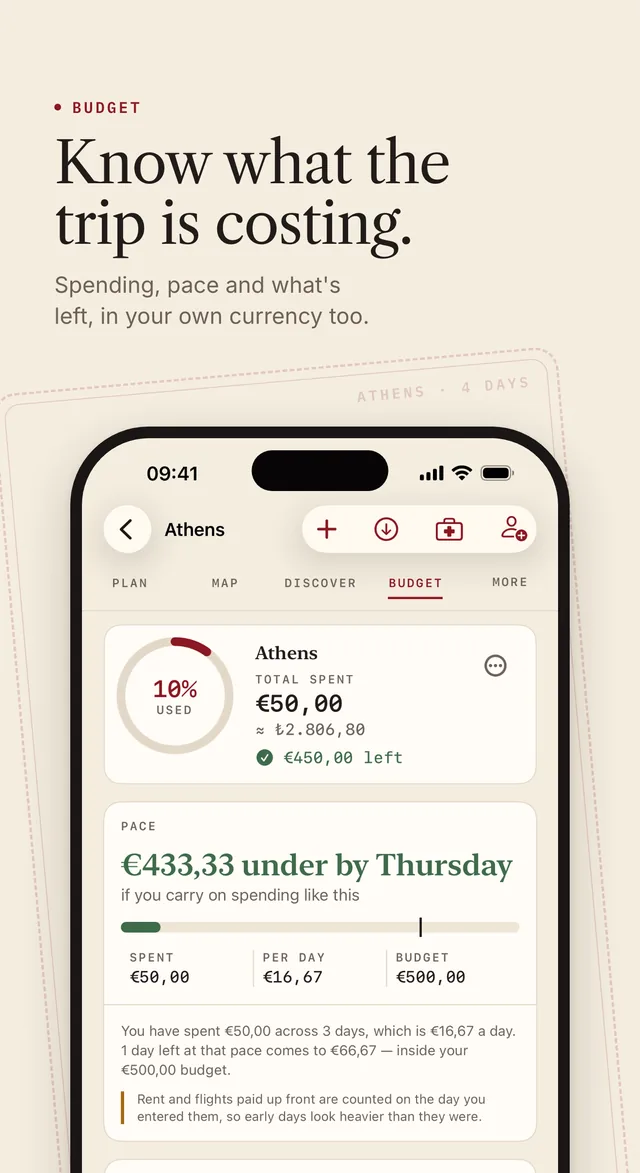
Log what you spend, split it with the people you're travelling with, and settle up afterwards, in the trip's currency and your own.
- Spending, daily pace and what's left of the budget
- Costs split between travellers, and settled up at the end
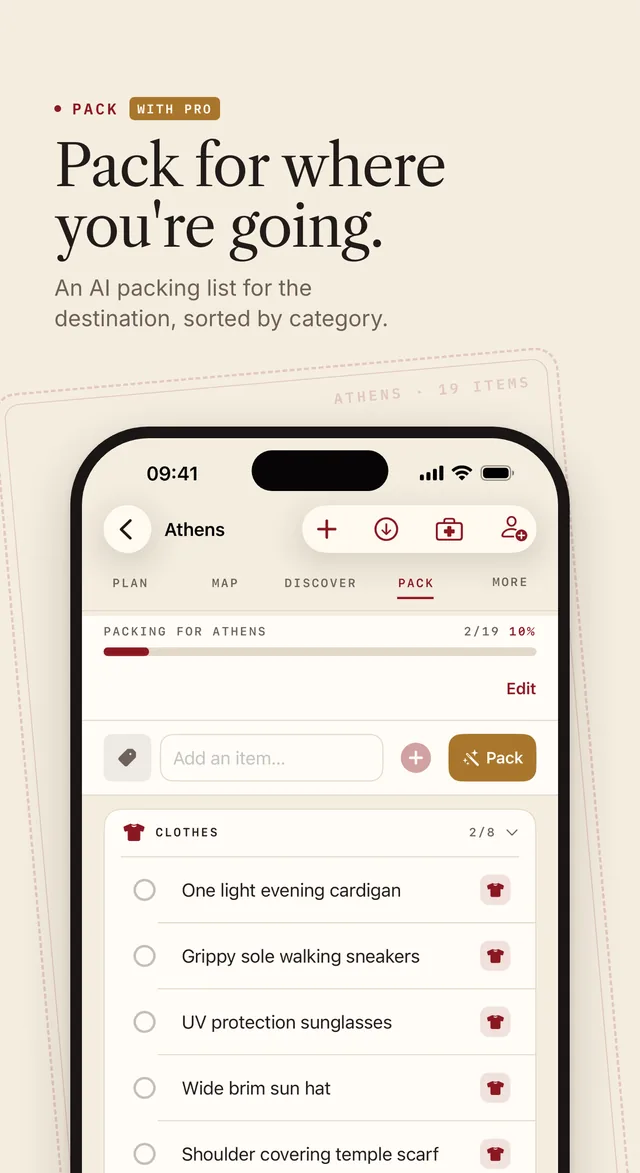
- A packing list for where you're going, sorted by category With Pro
Together
Travelling with others? Plan it together.
Tripser works just as well on your own. When others are coming, bring them in.
Let them vote
Send one link and the people coming with you vote on your shortlist. They don't install Tripser or make an account: they give a first name, so you know whose vote is whose.
IllustrationSend it in a message
Send a place or a whole trip into a conversation, as a card they can open rather than a link they have to trust. Anyone can be blocked or reported from inside the conversation.
Follow people who go
Follow travellers and their published trips arrive on your home screen. Copy one to your trips and make it yours, or publish your own for anyone to open in a browser.
Plan one trip together With Pro
Add the people you're travelling with to your trip, and plan it together in the app.
On the ground
It works when the signal doesn't
Download a trip before you fly. The background reading about the place, the forecast, the travel advice, a map for each day and the phrasebook all come with you.
What still needs a signal
Discover, the Guide and flight prices ask a server when you use them, so no download can make them work on a plane.
With Pro
The Guide
Point the camera at a landmark, a sign or a menu. Three modes: Guide, Translate, and Worth Visiting?
The passport
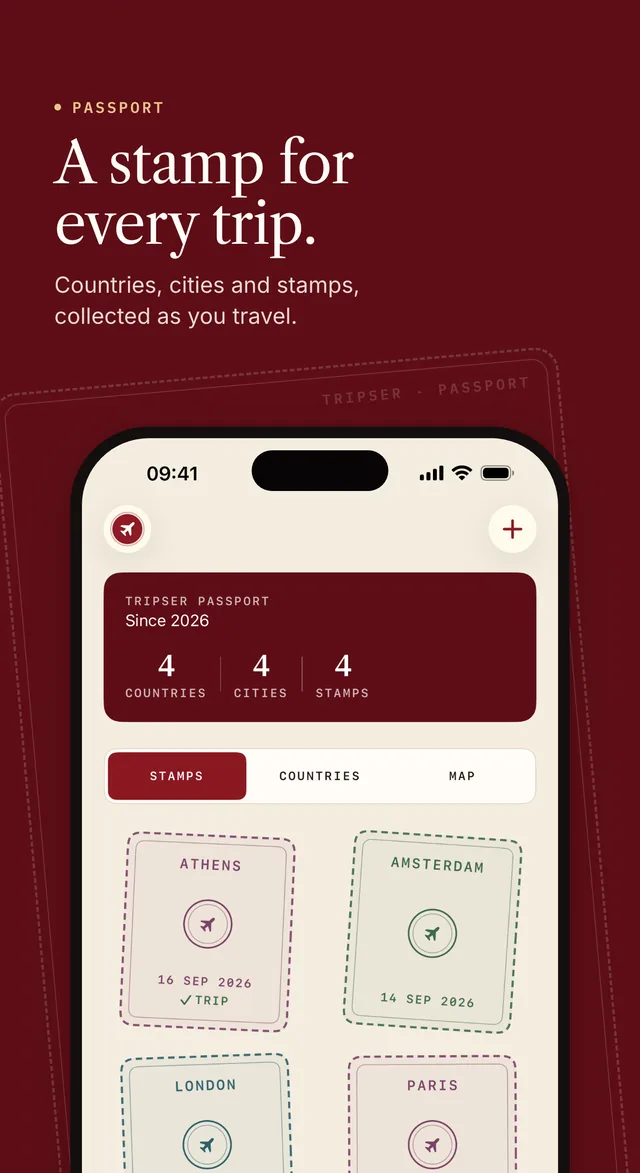
Mark a place visited and it stamps the passport. Add the cities you went to before Tripser, and they count too.
And inside every trip
- Manners: how to behave, in their words
- Journal: a line or two per day
- Light: sunrise, sunset, golden hour
- Rest: shifting your sleep before you fly
- Around: buses, trains and taxis there
- Read & Watch With Pro: books and films set there
- Phrases: things worth being able to say
- News: advisories and what's happening
iPad and Apple Watch
Bigger on iPad. Closer on your wrist.
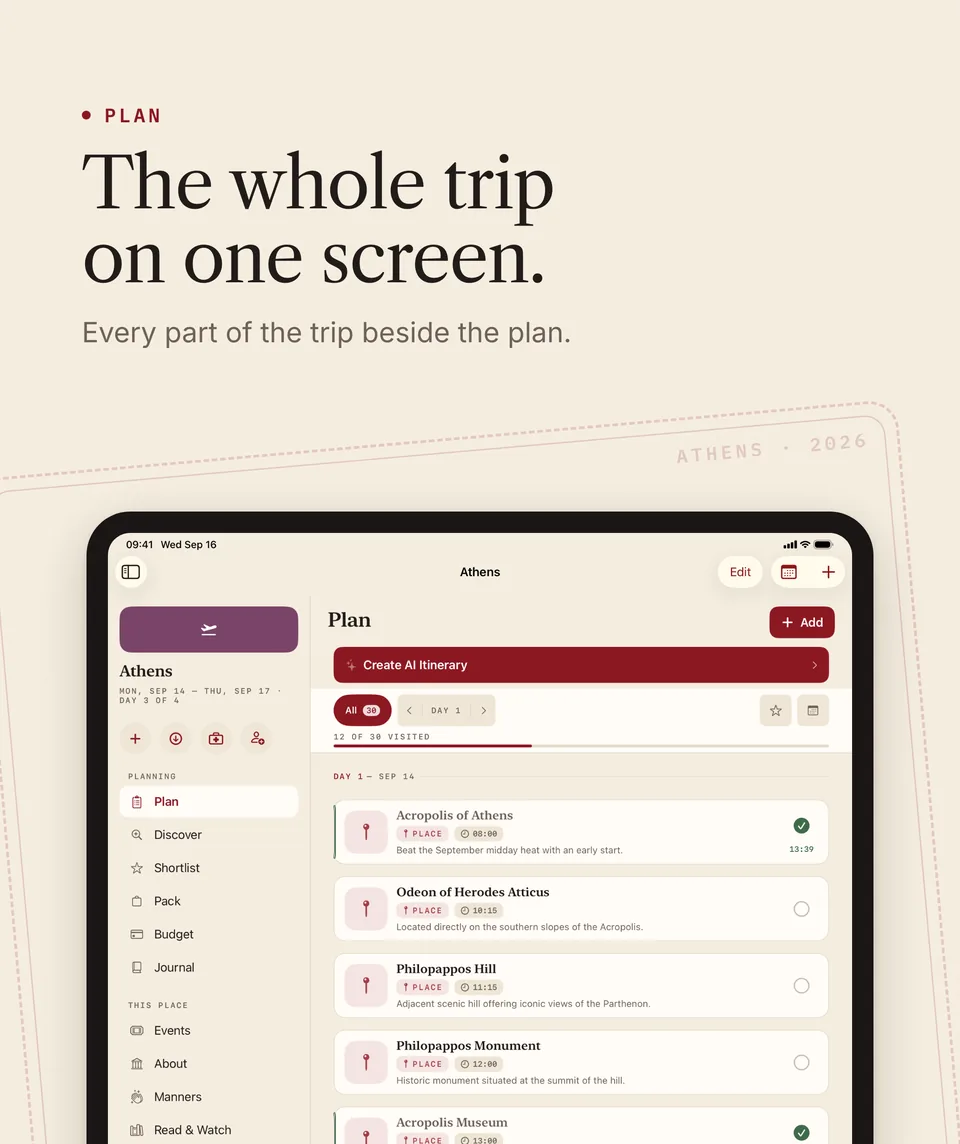
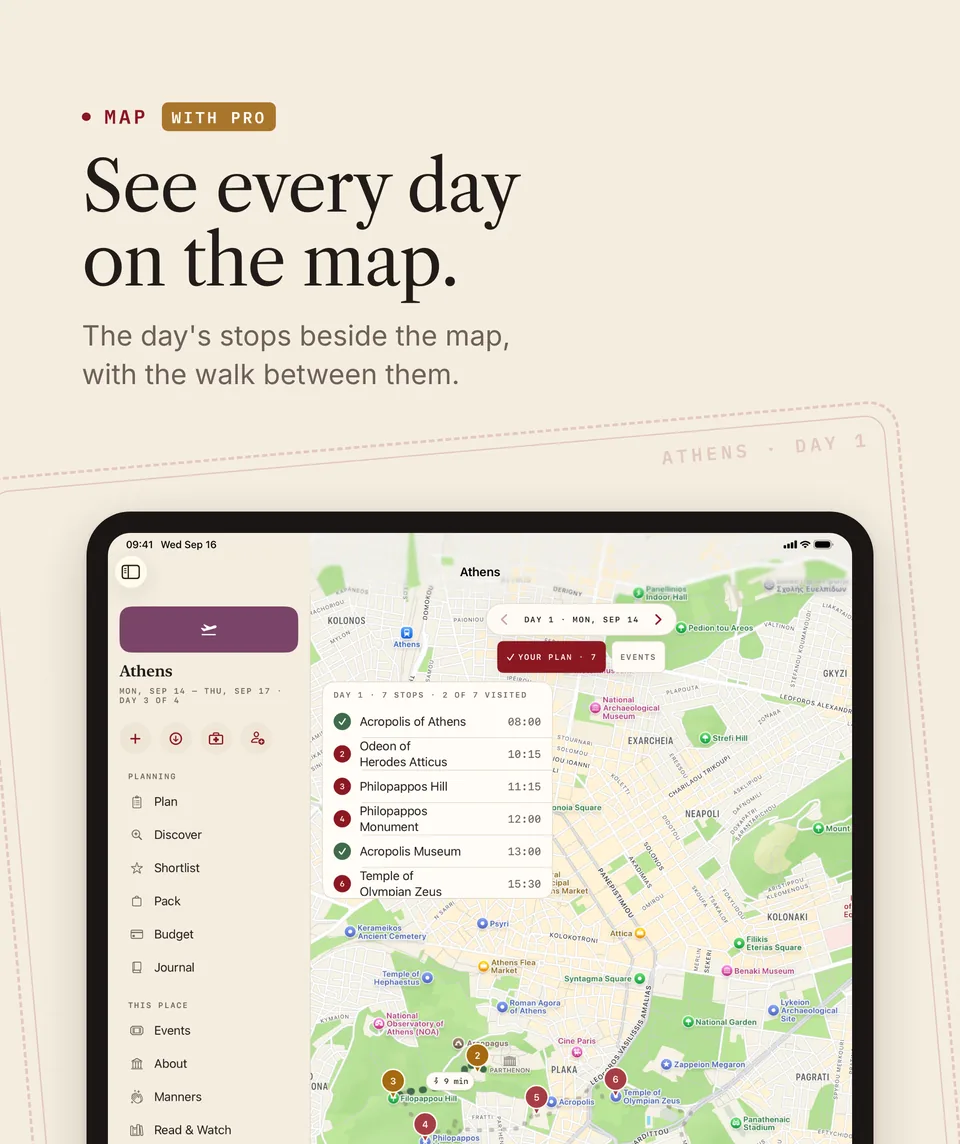
On iPad, every part of the trip sits beside the plan and the map.
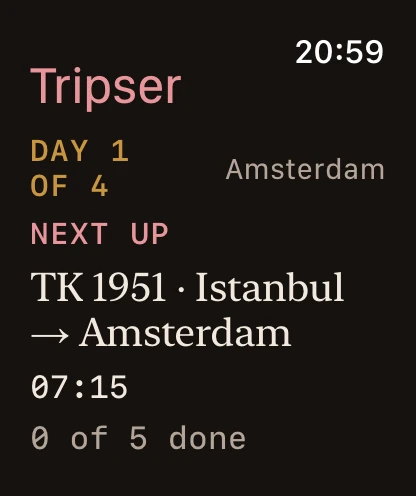
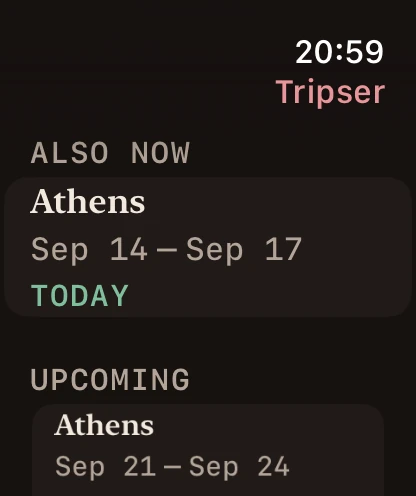
On Apple Watch, what's next today and your trips, with the phone in your bag.
Pricing
Plan free. Pay for the parts that cost us money.
Pro starts with a free trial for new subscribers: seven days on the monthly and yearly plans, three days on the weekly plan.
Free
- Three trips at a time
- Places, days, map and budget
- Events while you're there
- Weather read against your plan
- Voting, messages, the feed and following
- The passport and the offline pack
Tripser Pro
or $149.99 a year (save 16%), or $4.99 a week
- More than three trips
- Fares from real booking sites
- Discover, by category
- The AI itinerary and packing list
- Place details: photos, highlights, pros and cons
- Trips from videos, receipts and bookings
- Planning one trip together
- The AI Guide, and Read & Watch
Prices are set by the App Store and may differ in your country. Subscriptions renew automatically unless cancelled at least 24 hours before the end of the current period. Payment is charged to your Apple Account.
AI features, place photos and flight searches have generous monthly limits for fair use. See the limits
Go somewhere
Free for up to three trips at a time. Tripser is for people aged 18 and over.